Export Transactions for Accounting
Last updated: April 22, 2025
You can export your transaction records in CSV format to upload and reconcile them in any accounting software you prefer. Currently, we provide dedicated export formats for Quickbooks and Xero.
Be sure your transactions are properly labeled / categorized in Mural before exporting.
To get started
Go to the Transactions tab and click on the Filter icon to select the time range or other criteria to filter the transaction records to your needs.
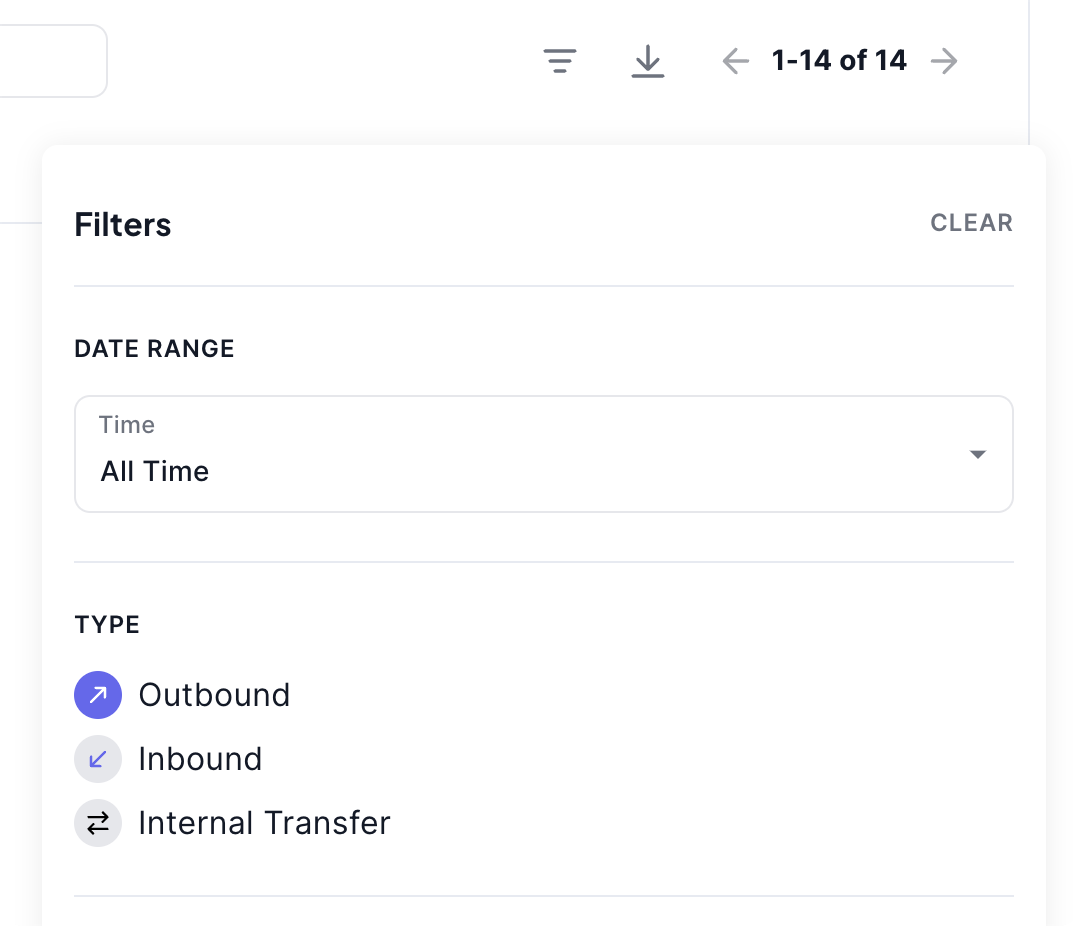
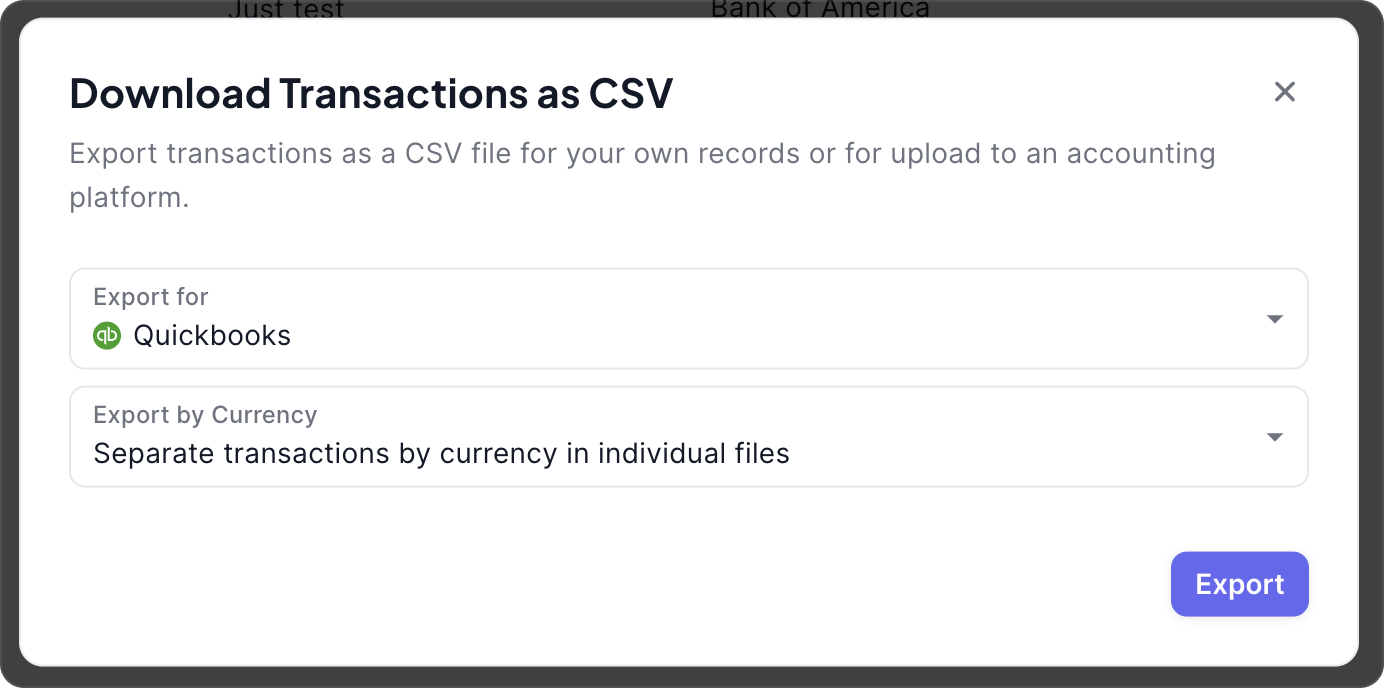
Click on the Download icon to export the filtered transactions. Select the accounting software you want to export for and how you'd like the file to be prepared. Click Export to download the CSV files.
Once the file(s) are downloaded, go to your accounting software and upload them as bank statements.
What fiat currency do you export the CSV in?
We currently support exporting CSV files in USD. If you need additional accounting support or other fiat currencies, please contact us at [email protected]
What is the rounding rule for the CSV?
We round USD amounts down to the nearest cent. E.g. a USD amount of $5.897 will be rounded to $5.89.
How is the exchange rate determined?
We use the spot price at the time of the transaction. The exchange rate is recorded as part of the 'Description' field within the exported CSV.
What if I need more fields to be included in the CSV export?
We are here to help with your use case - please contact us at [email protected]!