Accounts
Last updated: April 22, 2025
On Mural, Accounts are used to manage an Organization's funds, functioning similarly to a traditional bank account. In the Accounts tab, you can link external accounts as well.
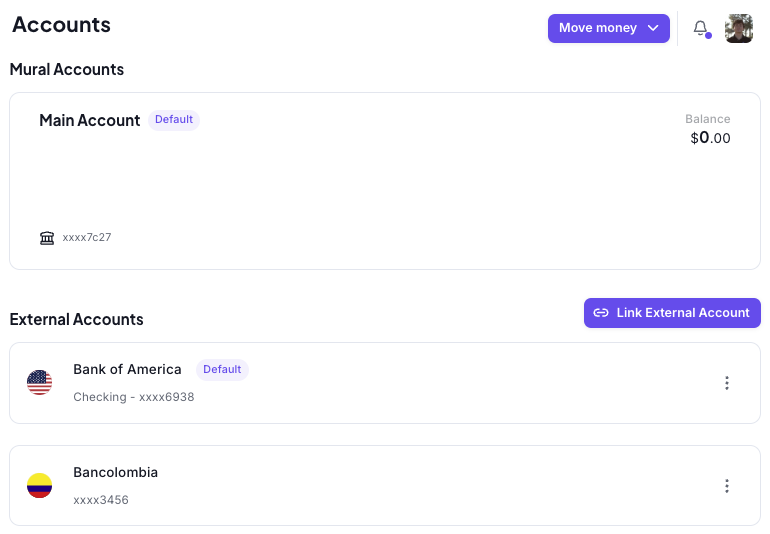
To View your Mural Account Details
Go to the "Accounts" page
Select the account you want to view the details for.
Click on the "Account Details" button on the upper right side of the page

You can download the "Download Instructions" in PDF by clicking the "Download Instructions" button on the left bottom part of the pop-ub box